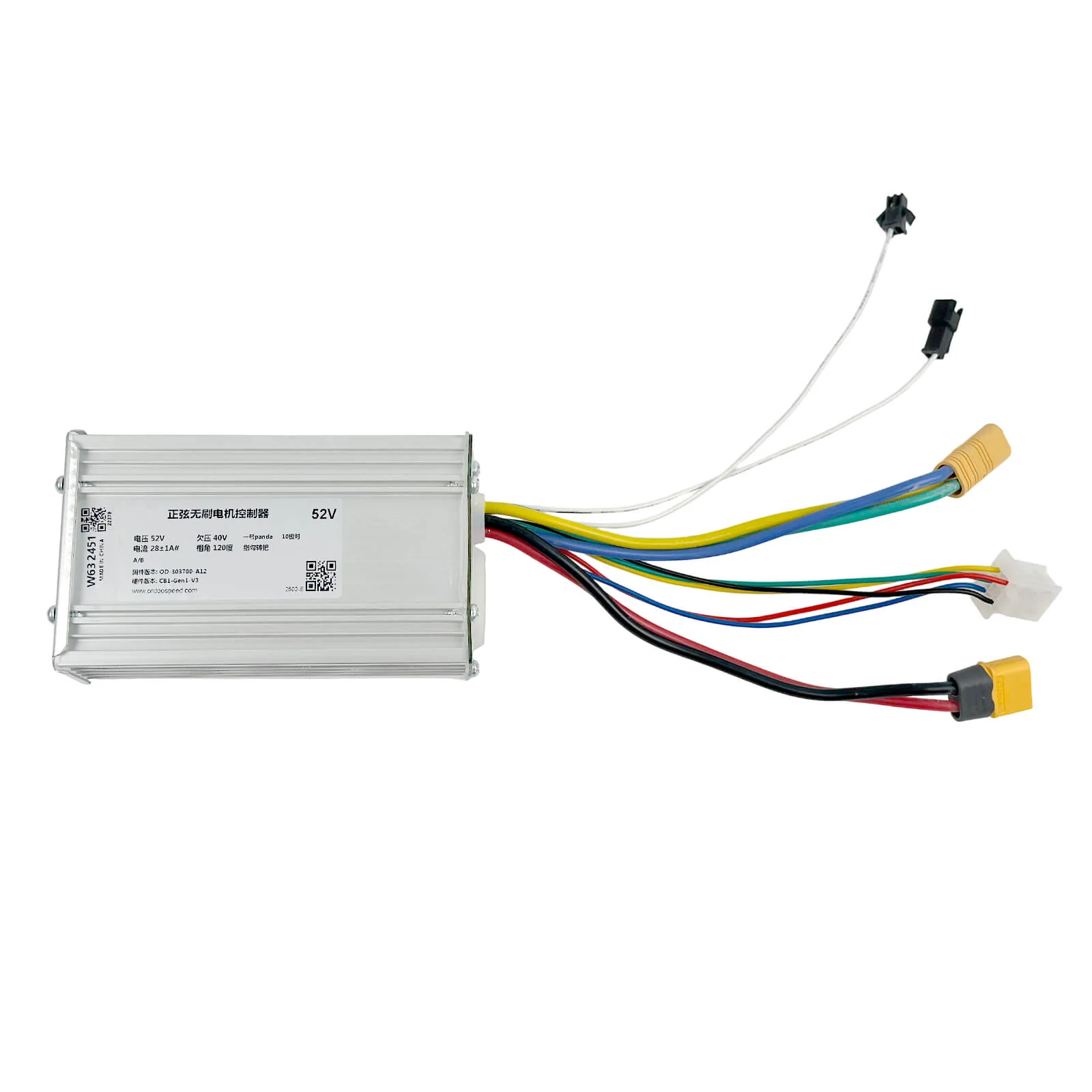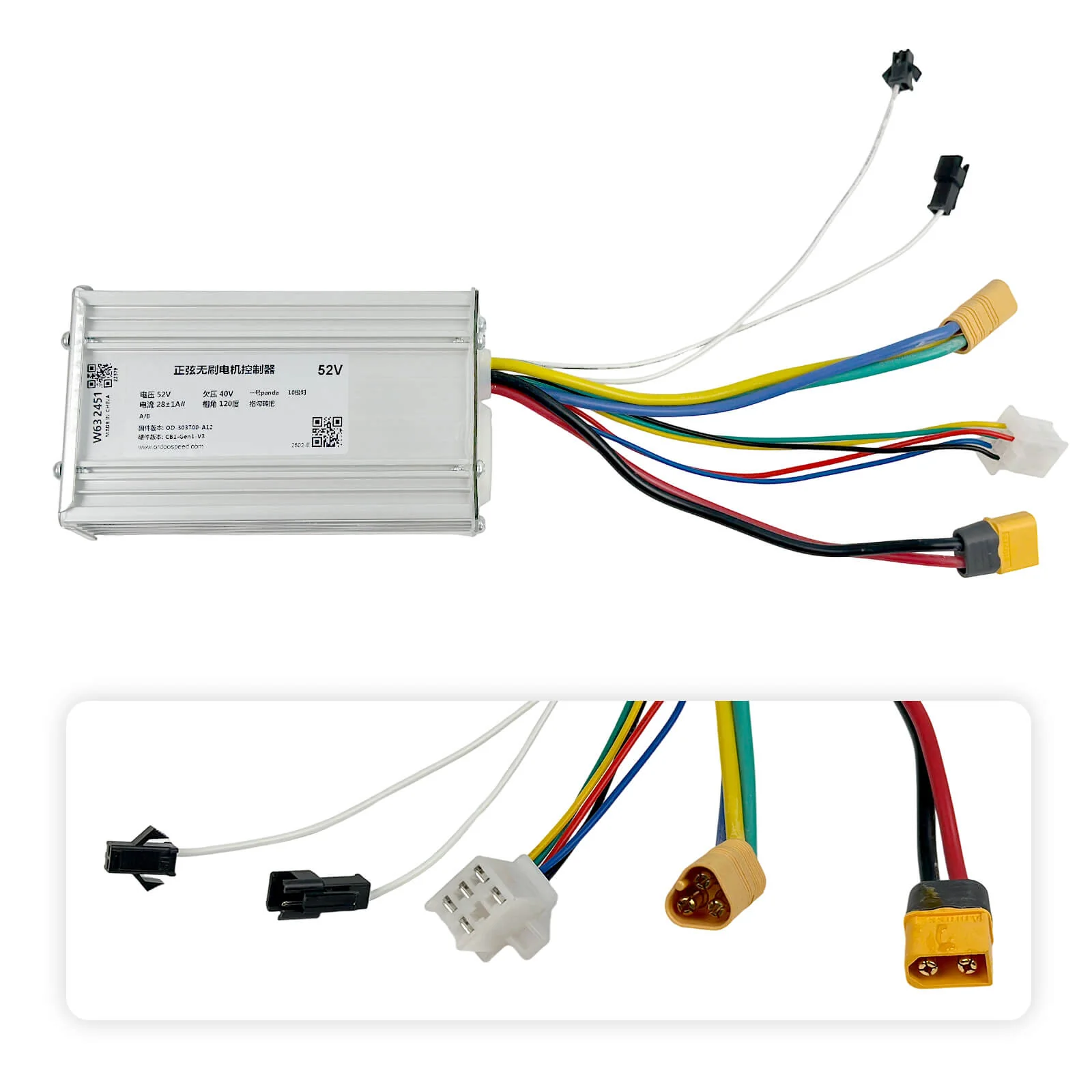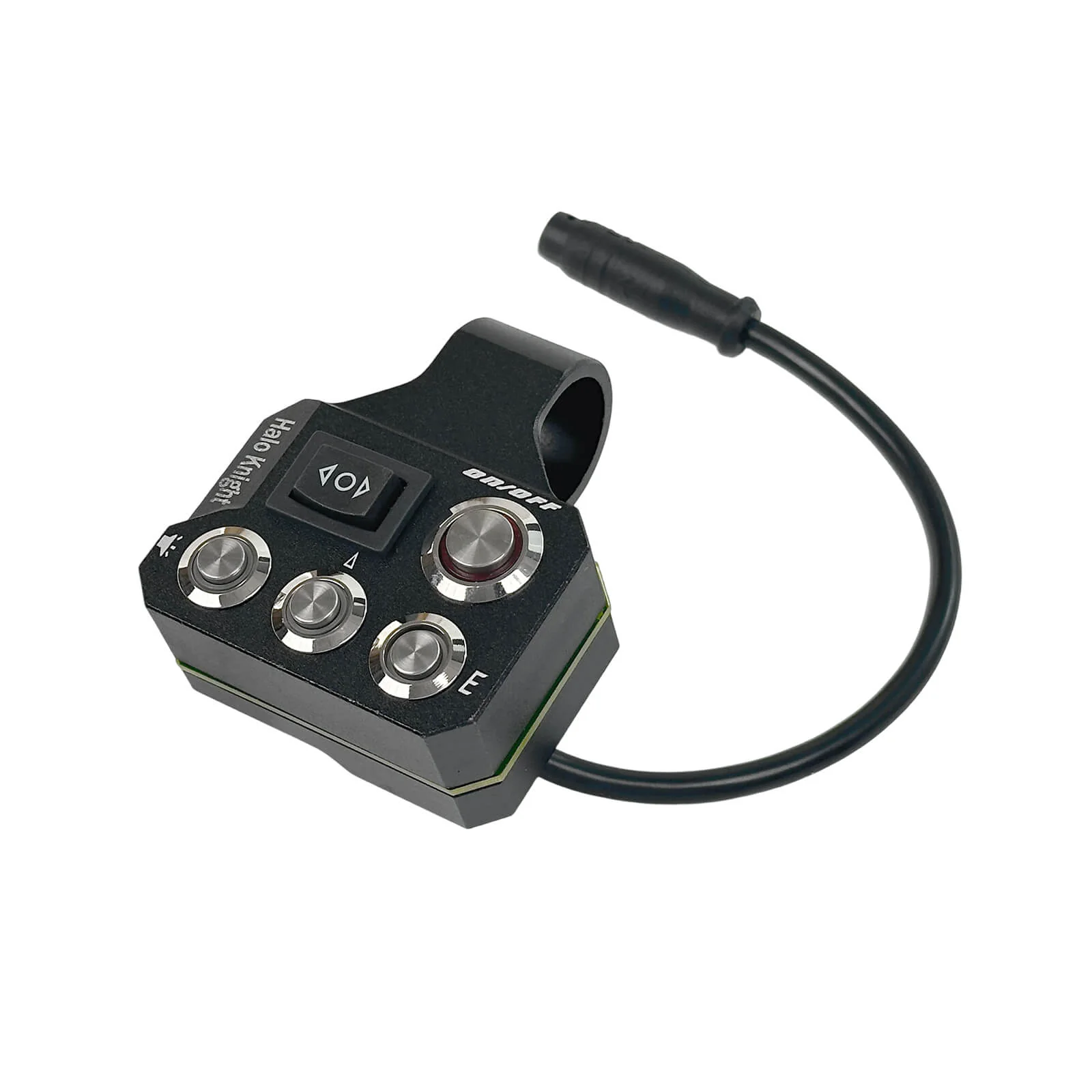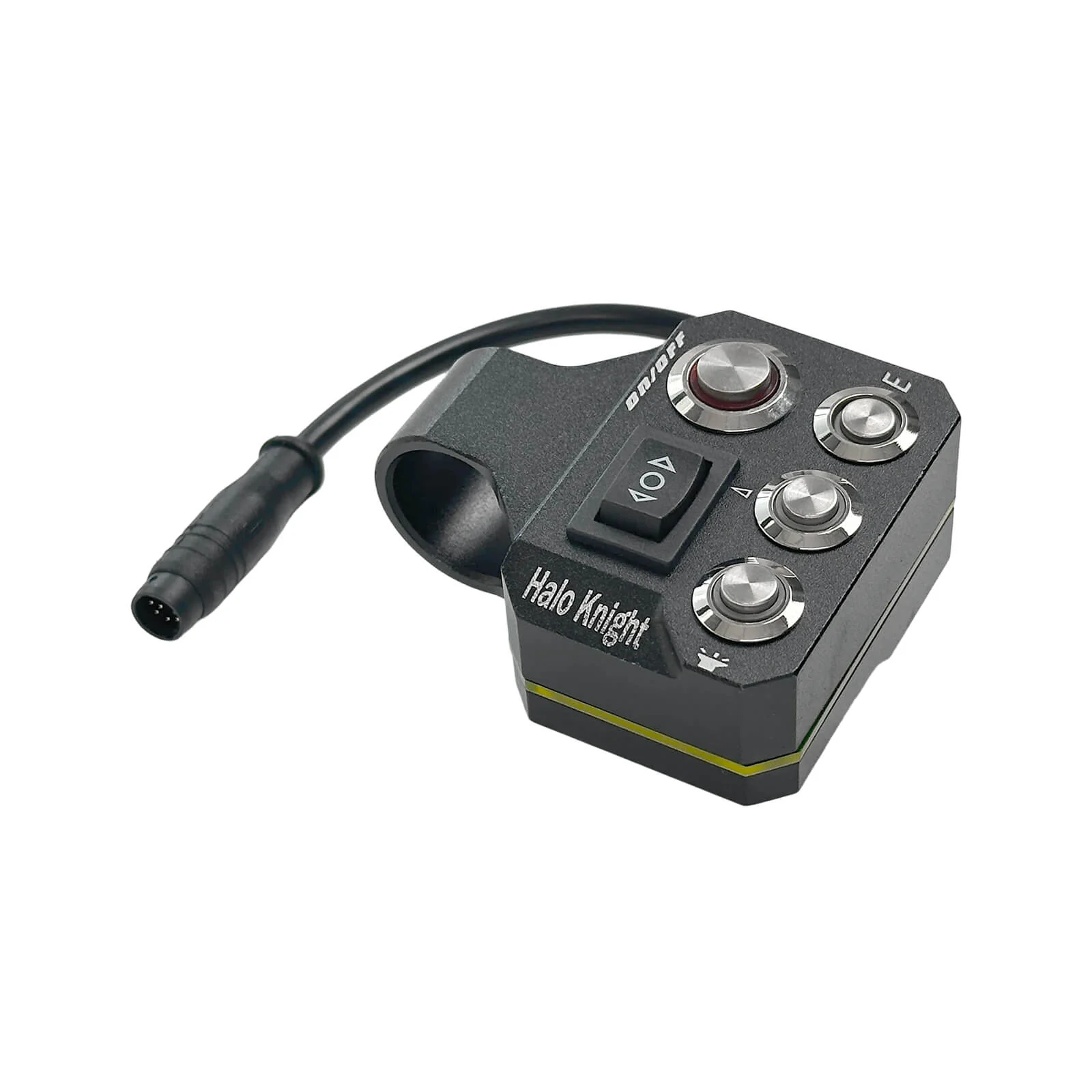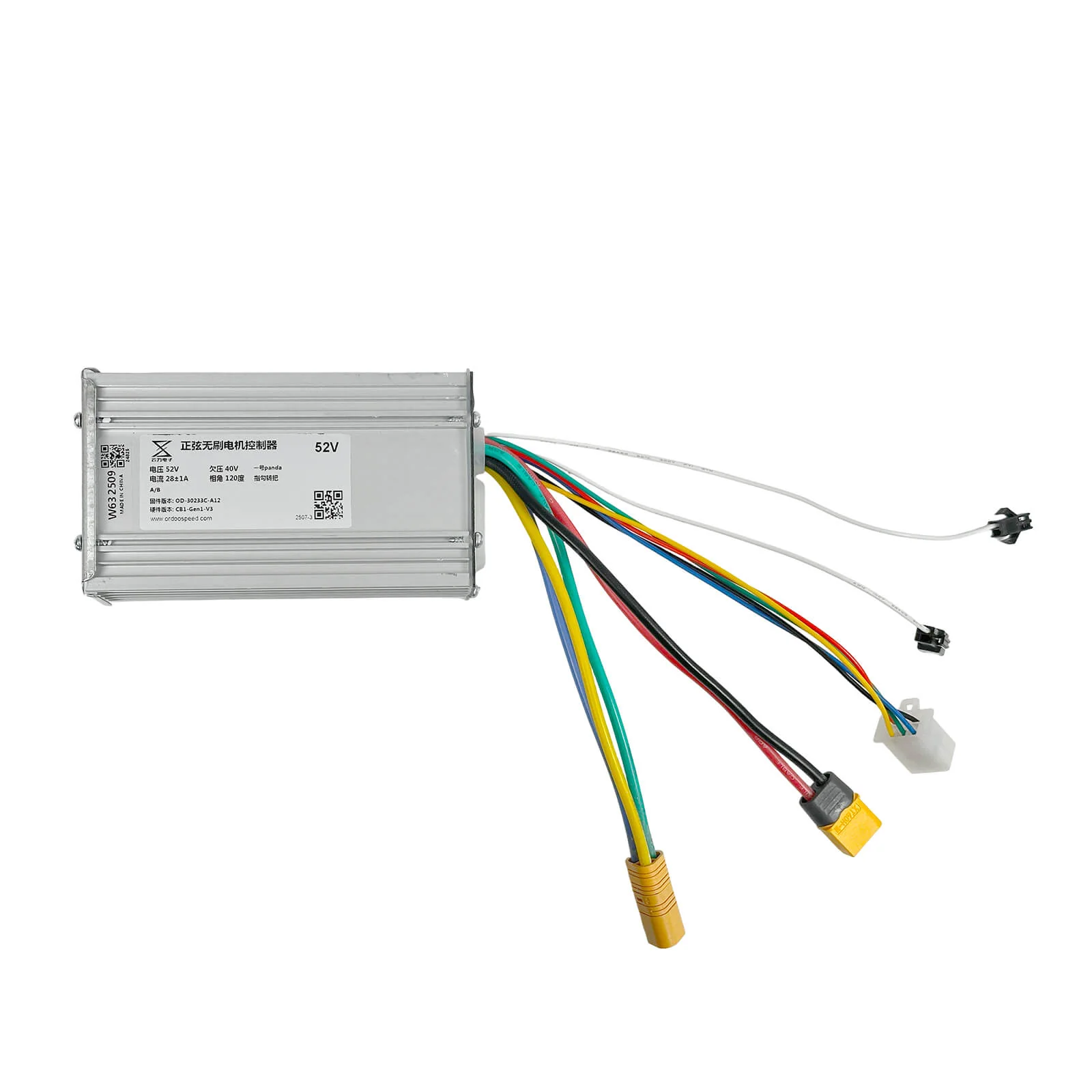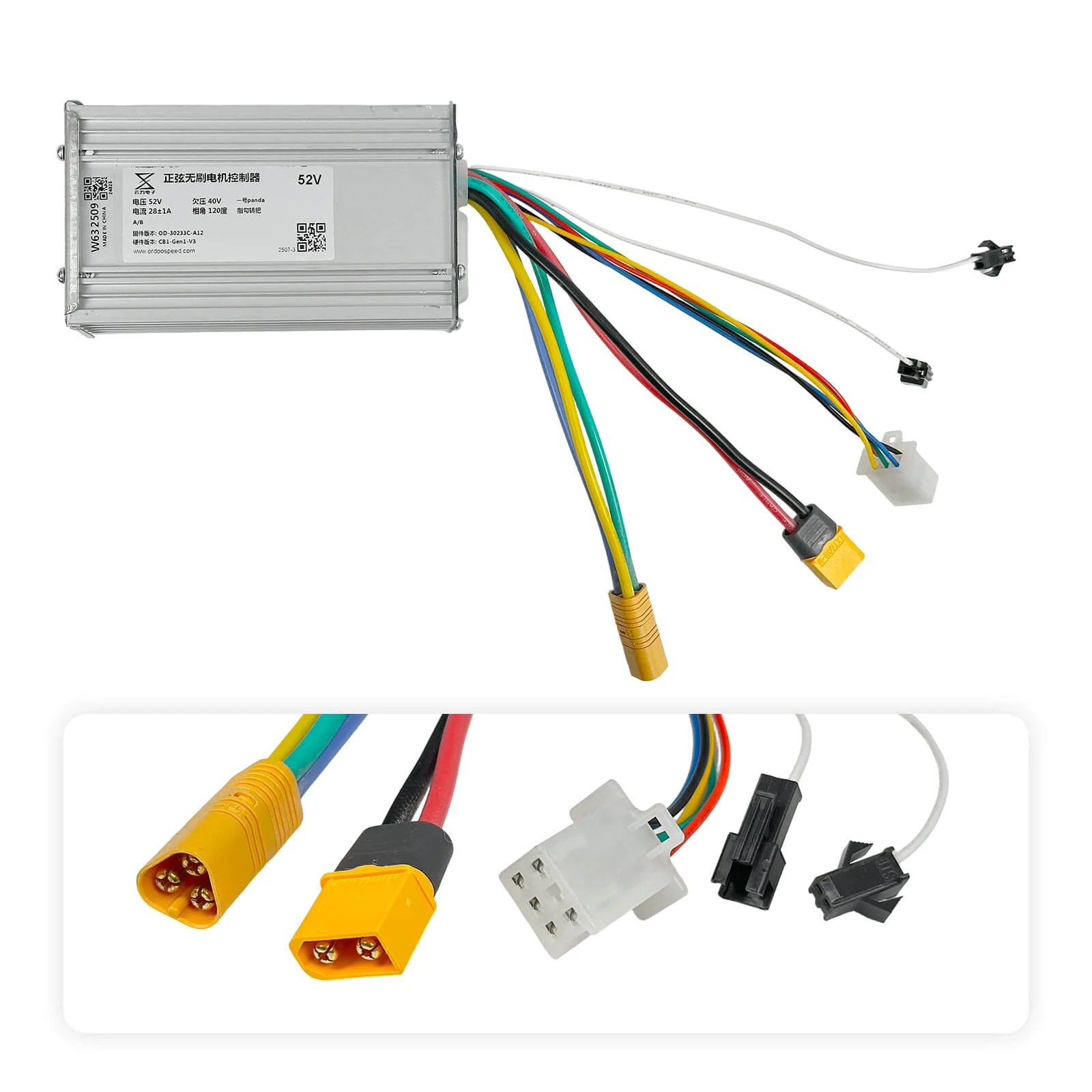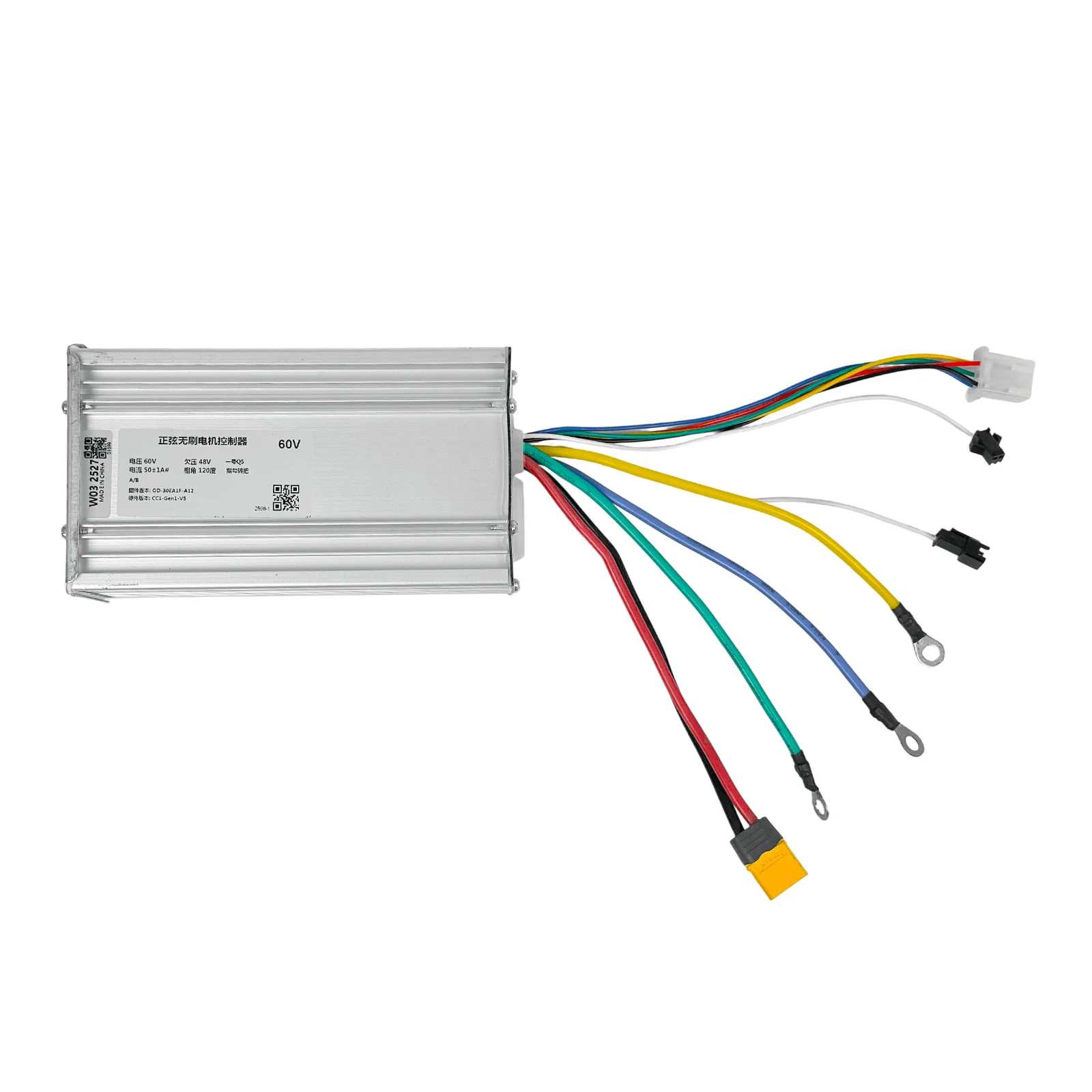
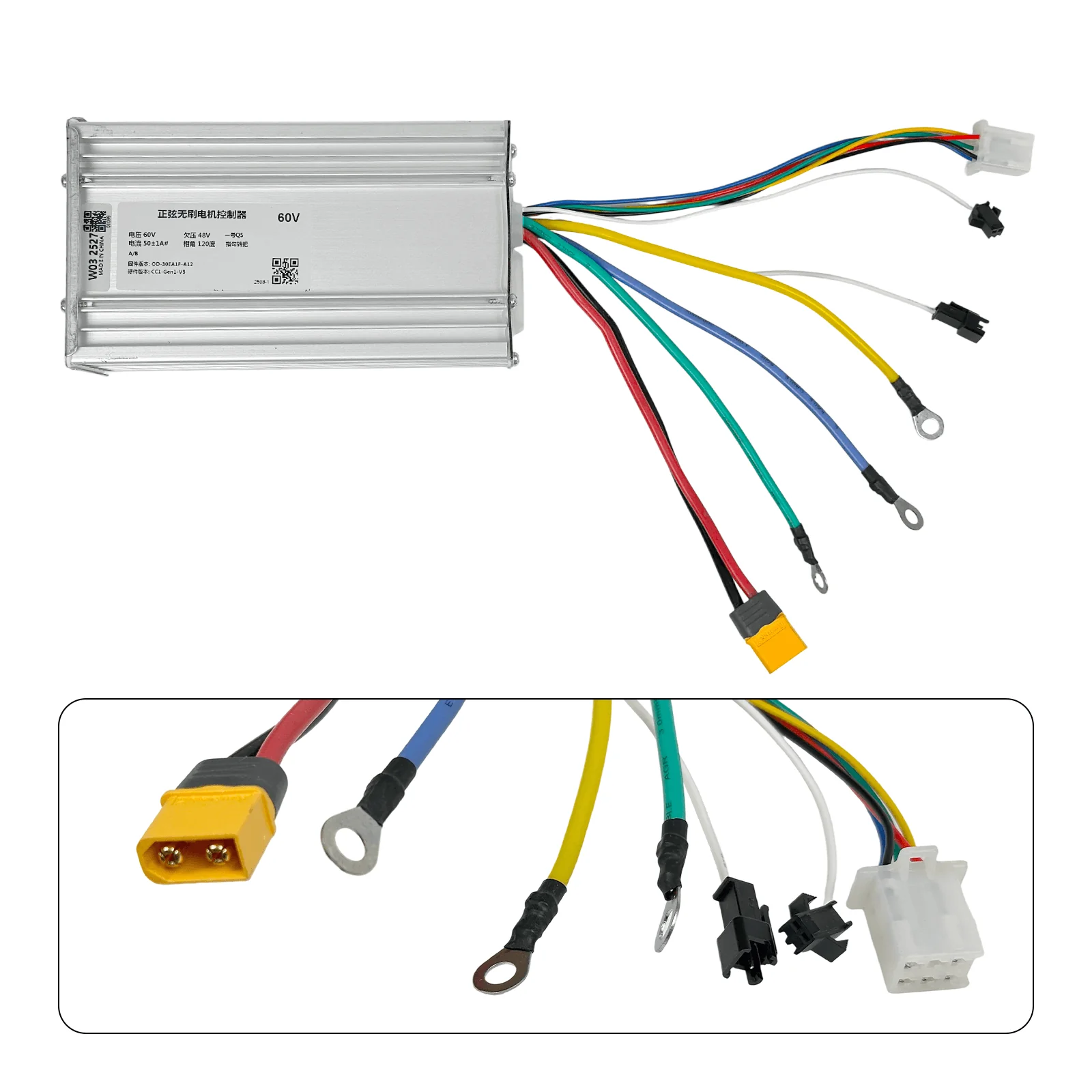
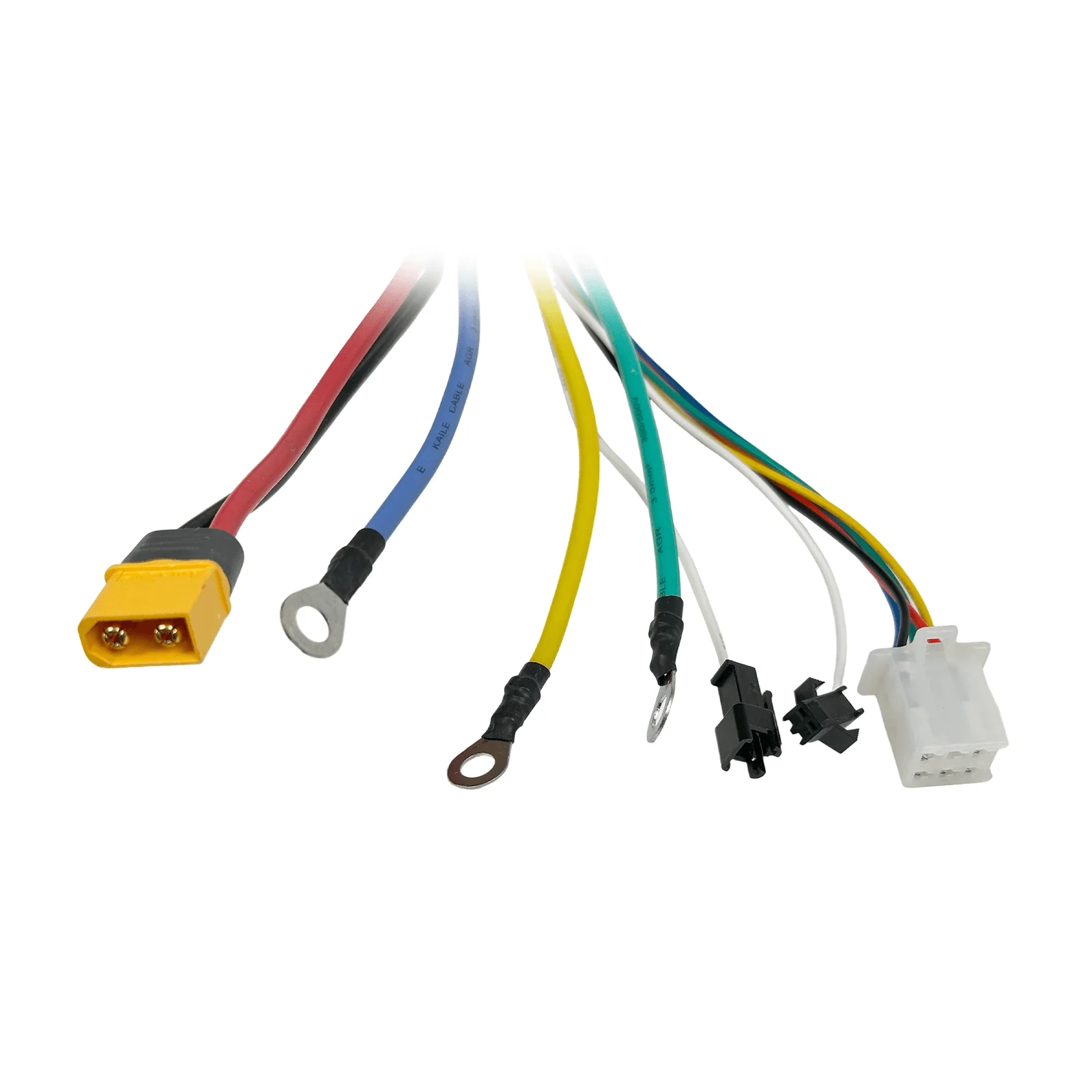
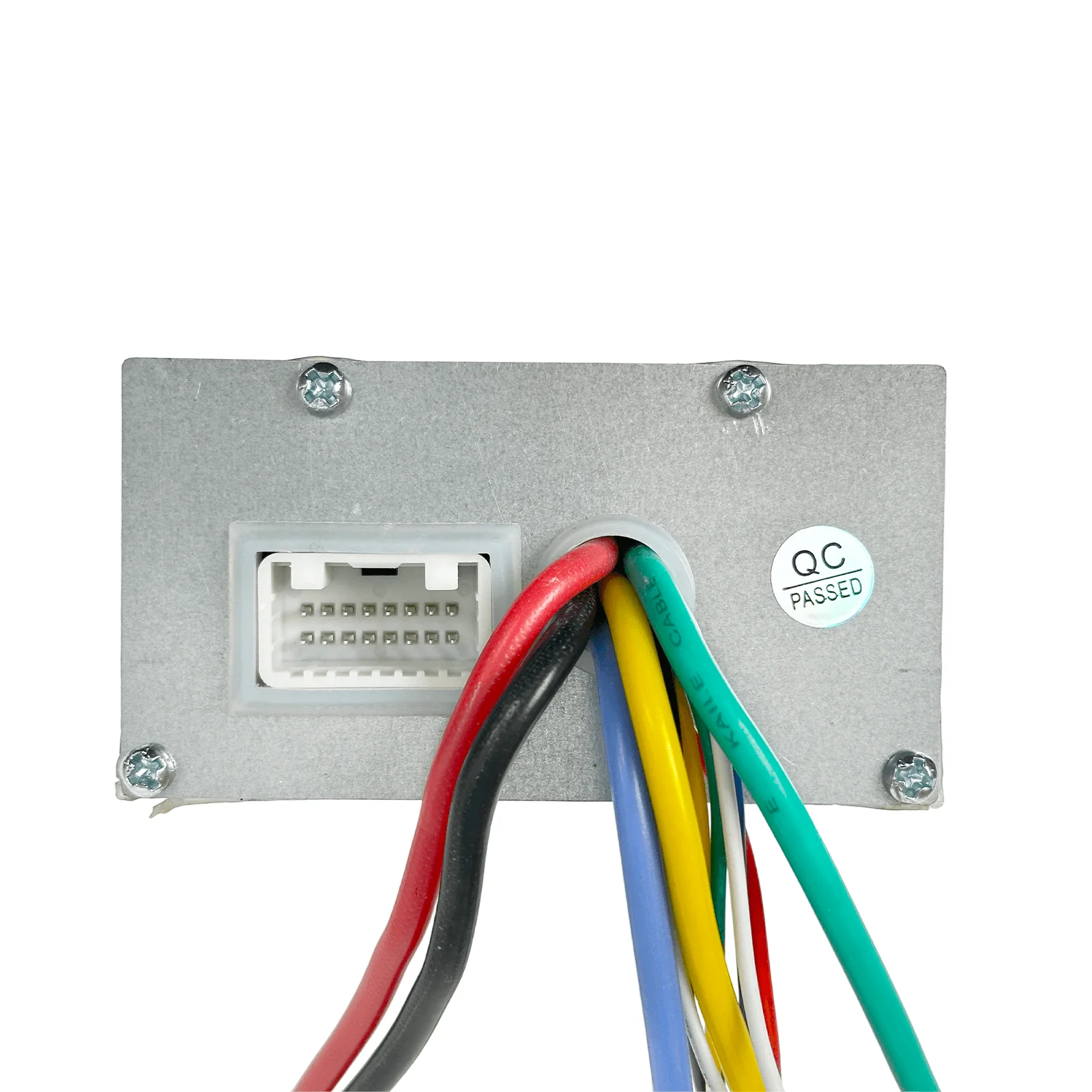
Yuinli 60V 50A Controller for T107Pro/ T108Pro
Specification
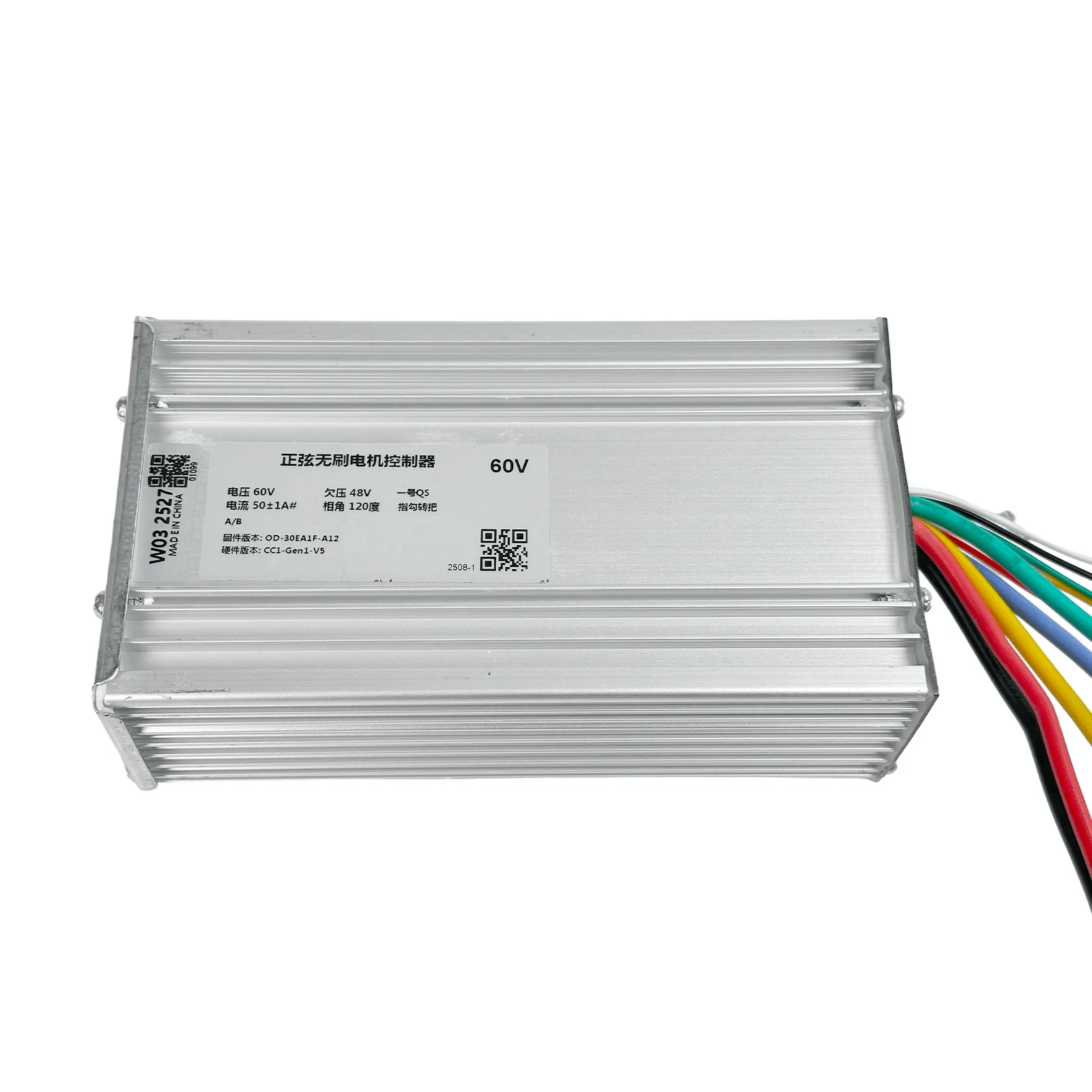
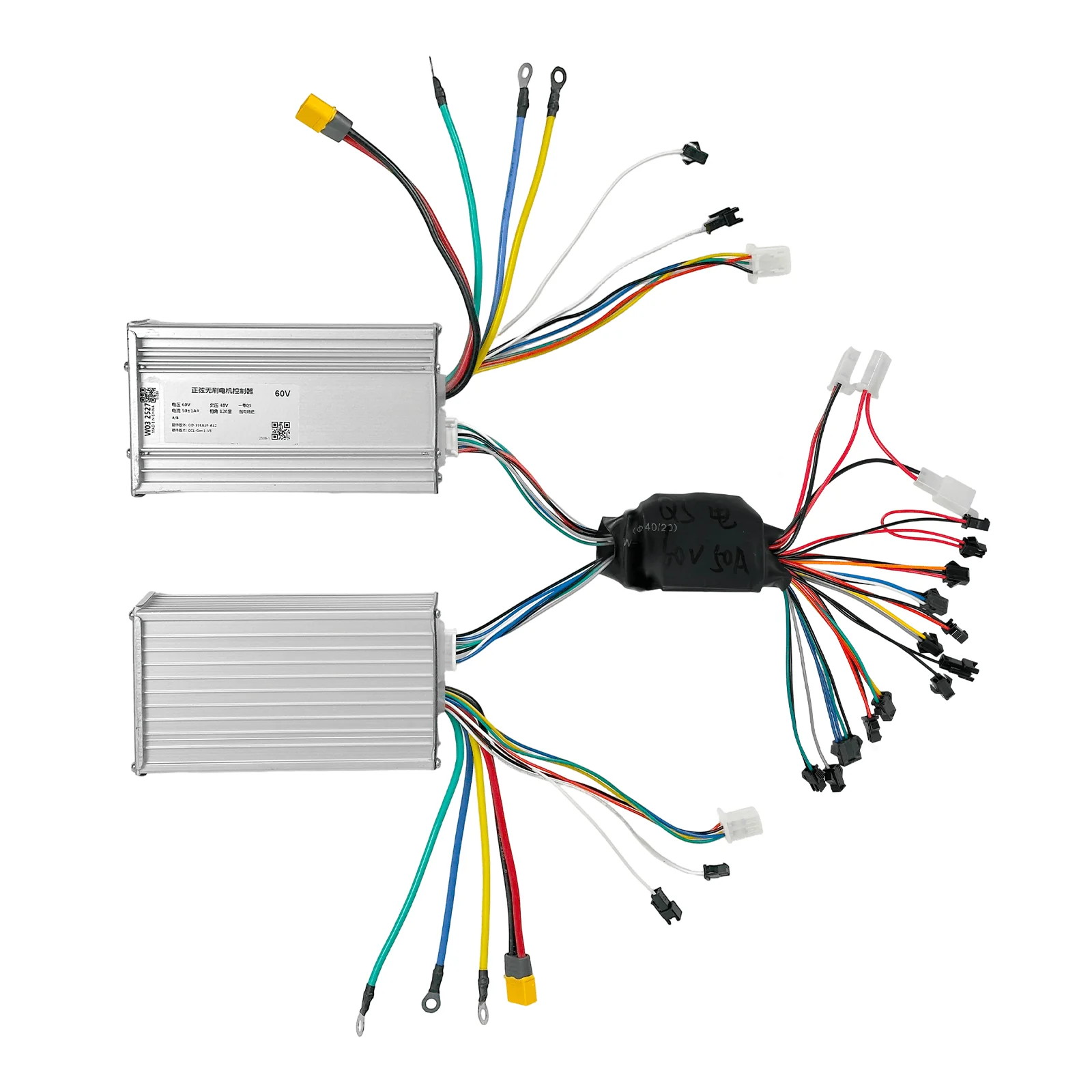
Model: Yunli 60V 50A Controller
Type: T107Pro/ T108Pro Electric Scooter Controller
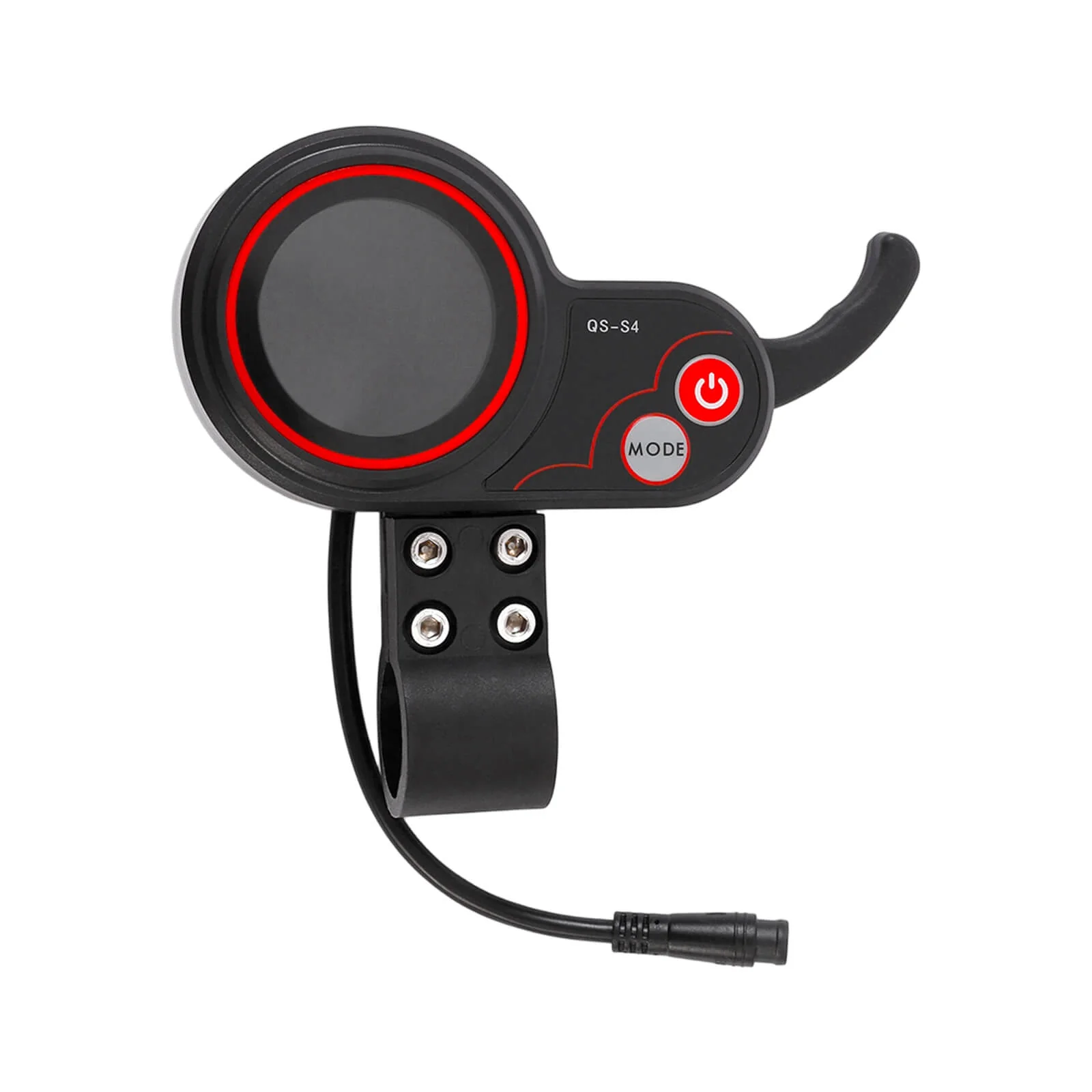
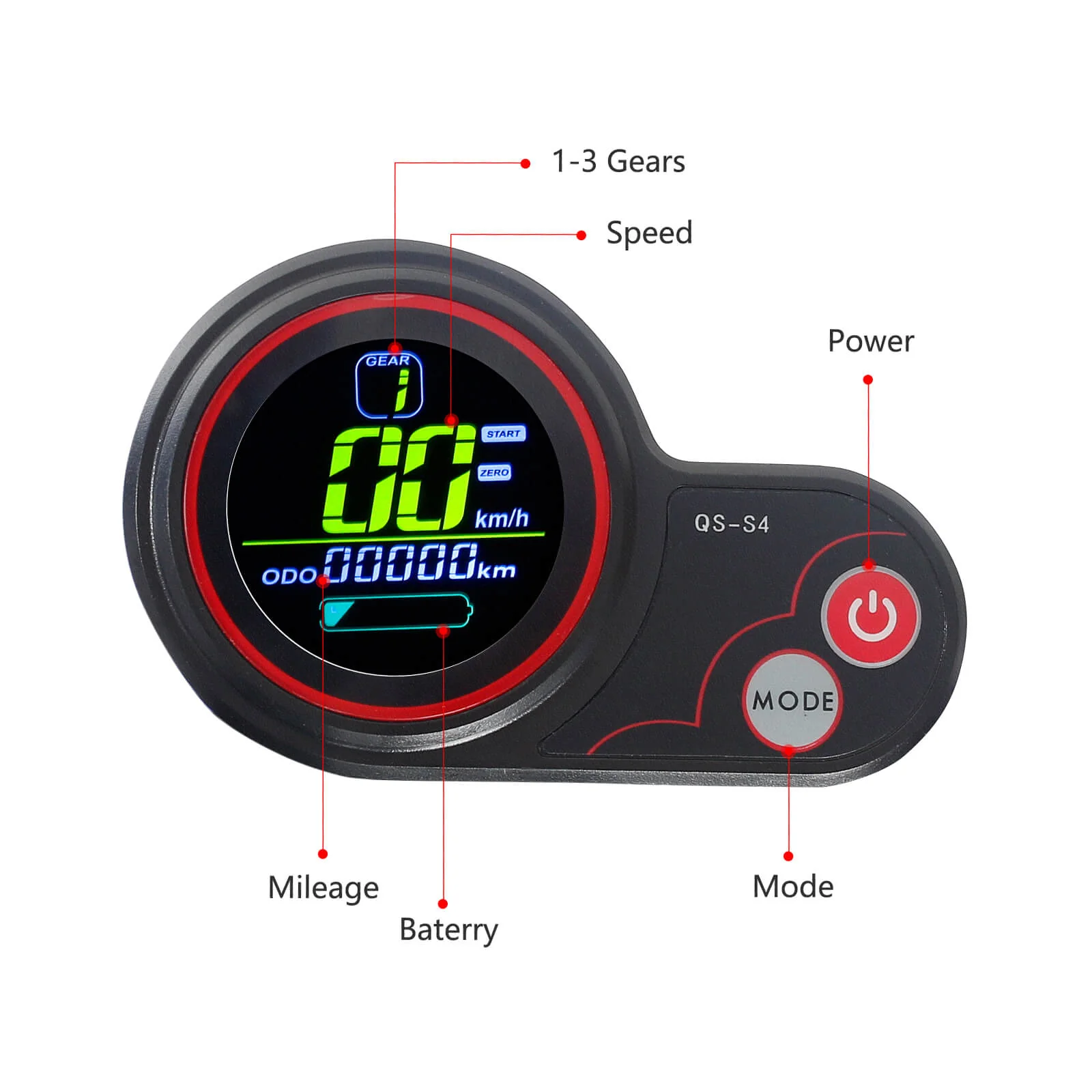
Applicable Display: QS Display / Smart LCD Central Display with NFC (Controller compatible with both)
Applicable Motor: HM 60V 3000W Motor
Applicable Models: Compatible with HALO KNIGHT T107Pro / T108Pro
Rated Voltage: 60V
Rated Current: 50A
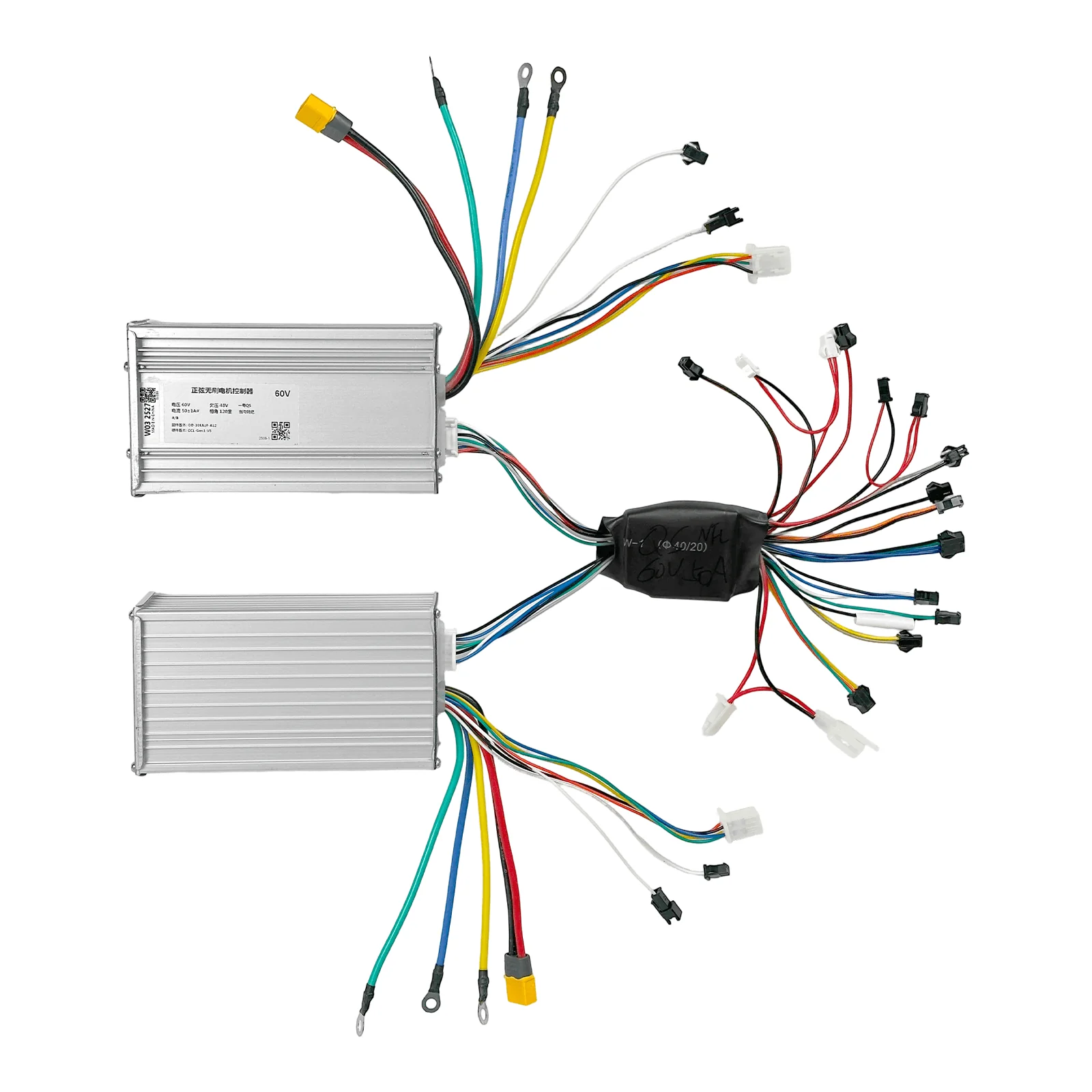
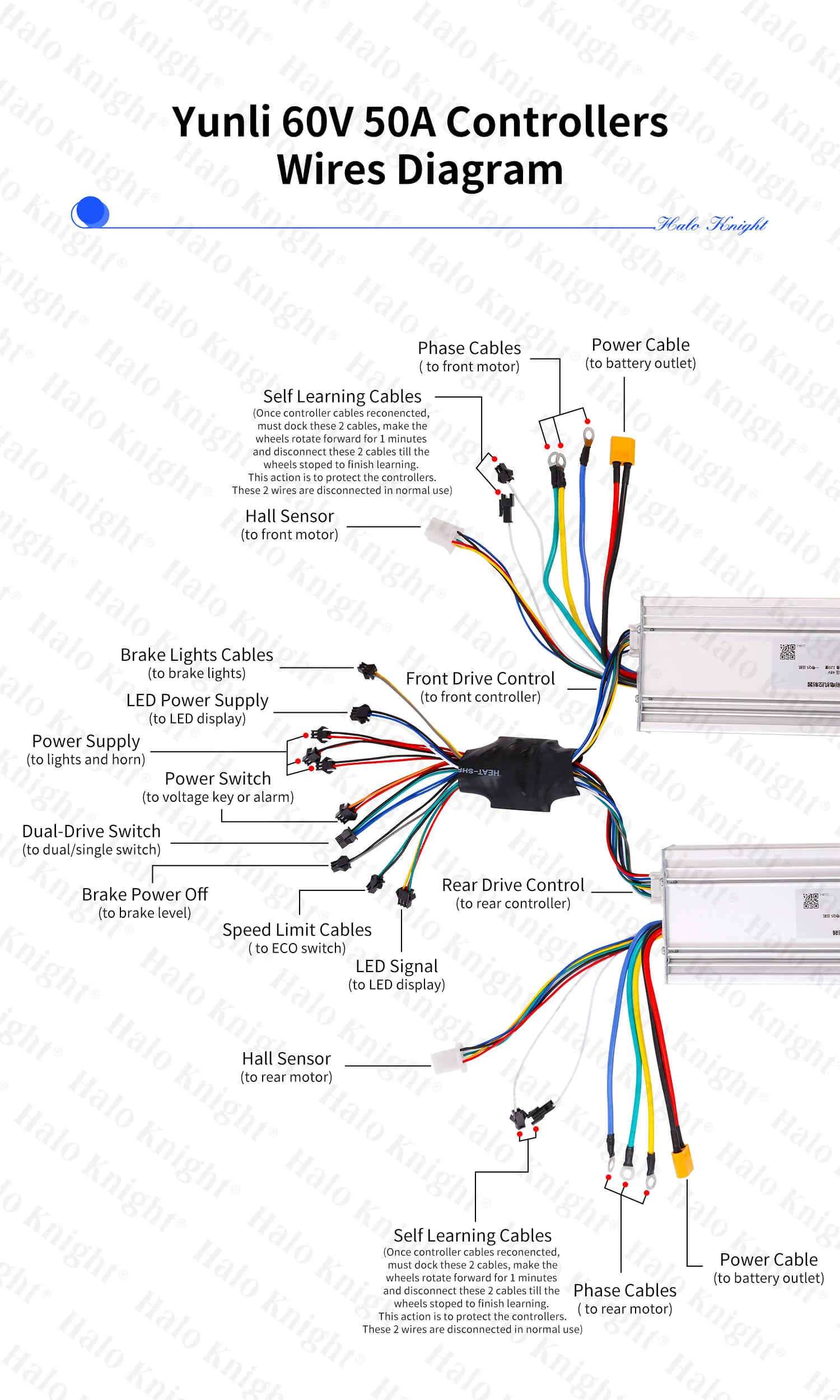
Interchangeable: The front and rear controllers are interchangeable
Size: Approximately 15cm × 8cm × 5cm
Weight: Approximately 0.6kg
Package Included
1 × Yunli 60V 50A Controller
or
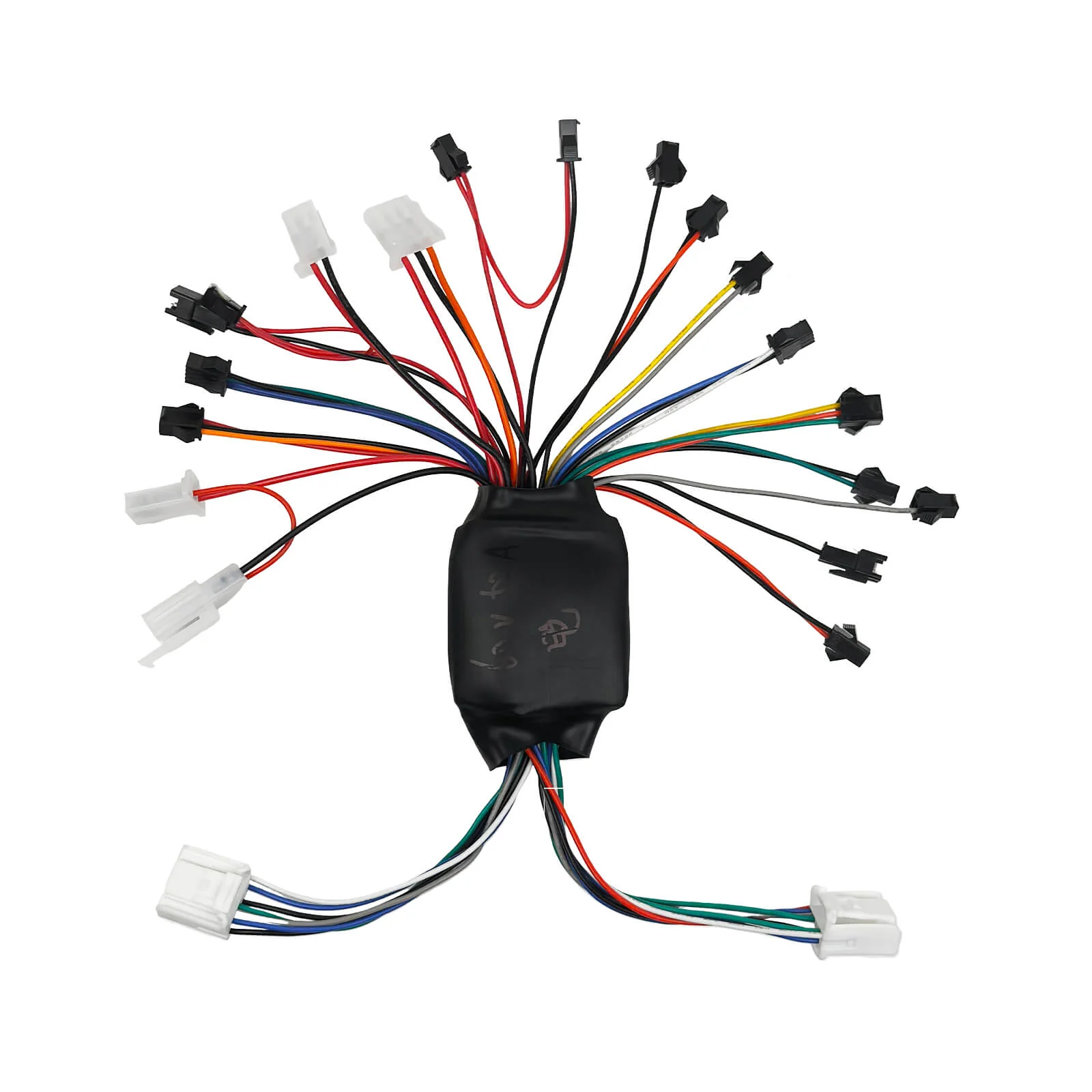
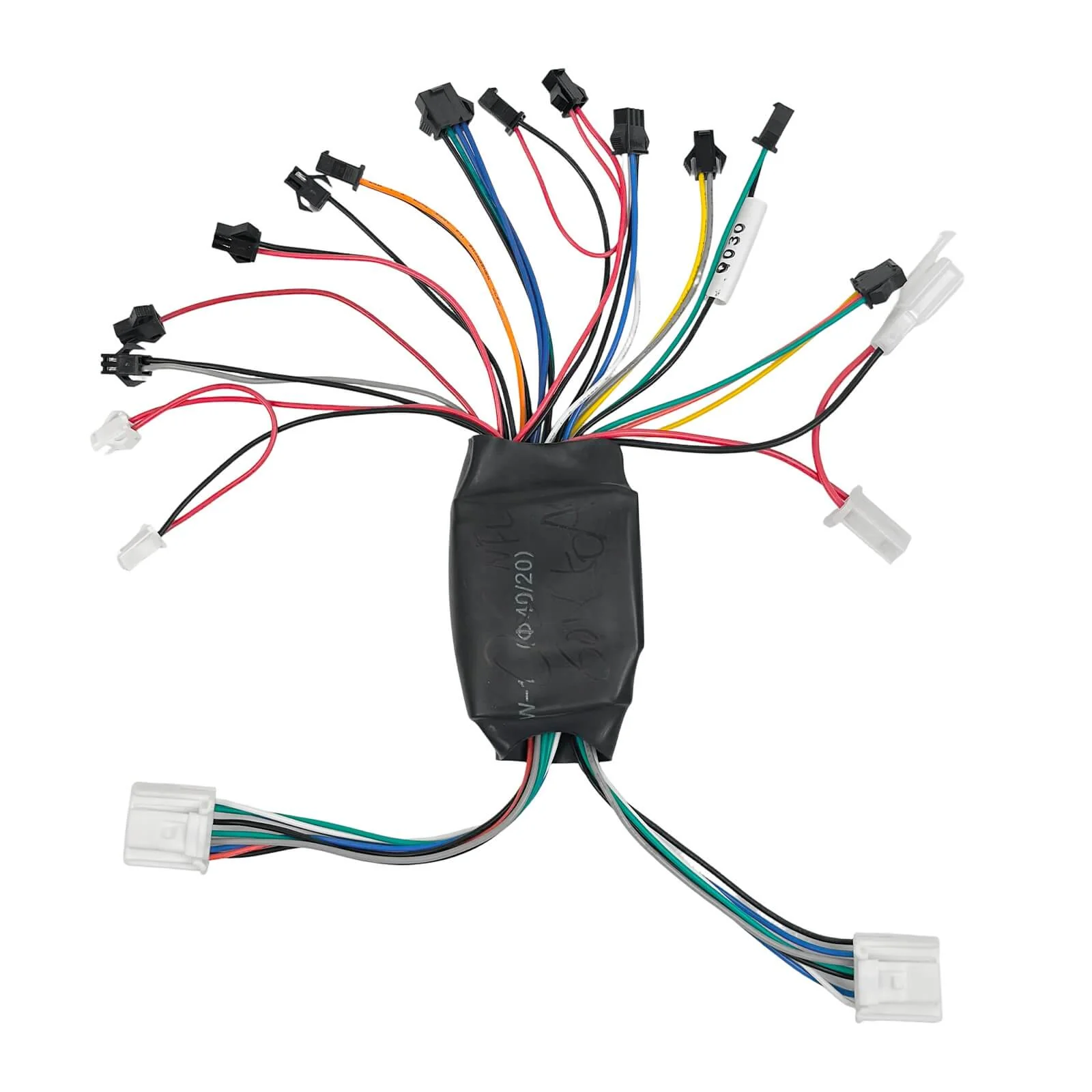
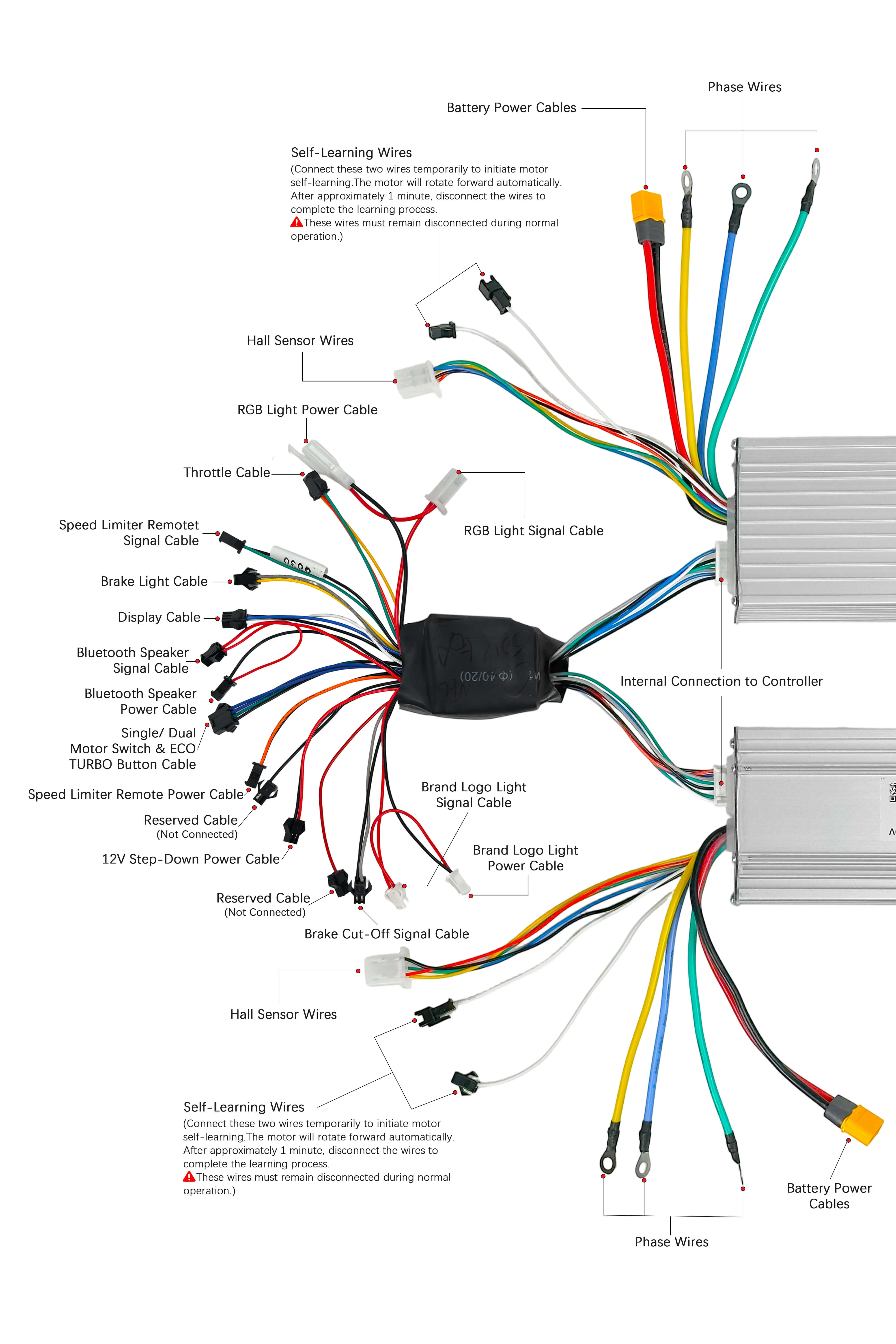
1 × Center Circuit Board (QS Display version / Smart LCD Central Display with NFC version — optional)
Notice
-
The Controller is compatible with both QS Display and Smart LCD Central Display.
-
The Center Circuit Board has two separate versions:
-
QS Display version
-
Smart LCD Central Display with NFC version
Please select the correct version according to your display type.
-
-
The front and rear controllers are the same and interchangeable.
-
Compatibility is limited to T107Pro/T108Pro.
-
Before making a purchase, please contact our customer service team at [email protected] and provide a photo of your original controller/electrical board for compatibility confirmation.

Original: $29.03
-65%$29.03
$10.16Product Information
Product Information
Shipping & Returns
Shipping & Returns
Description
Specification
Model: Yunli 60V 50A Controller
Type: T107Pro/ T108Pro Electric Scooter Controller
Applicable Display: QS Display / Smart LCD Central Display with NFC (Controller compatible with both)
Applicable Motor: HM 60V 3000W Motor
Applicable Models: Compatible with HALO KNIGHT T107Pro / T108Pro
Rated Voltage: 60V
Rated Current: 50A
Interchangeable: The front and rear controllers are interchangeable
Size: Approximately 15cm × 8cm × 5cm
Weight: Approximately 0.6kg
Package Included
1 × Yunli 60V 50A Controller
or
1 × Center Circuit Board (QS Display version / Smart LCD Central Display with NFC version — optional)
Notice
-
The Controller is compatible with both QS Display and Smart LCD Central Display.
-
The Center Circuit Board has two separate versions:
-
QS Display version
-
Smart LCD Central Display with NFC version
Please select the correct version according to your display type.
-
-
The front and rear controllers are the same and interchangeable.
-
Compatibility is limited to T107Pro/T108Pro.
-
Before making a purchase, please contact our customer service team at [email protected] and provide a photo of your original controller/electrical board for compatibility confirmation.